Chemistry Sandbox
Place atoms, form molecular bonds, adjust temperature, and explore reactions in an interactive laboratory.
Browser game
Opens at AlienAuthor2054
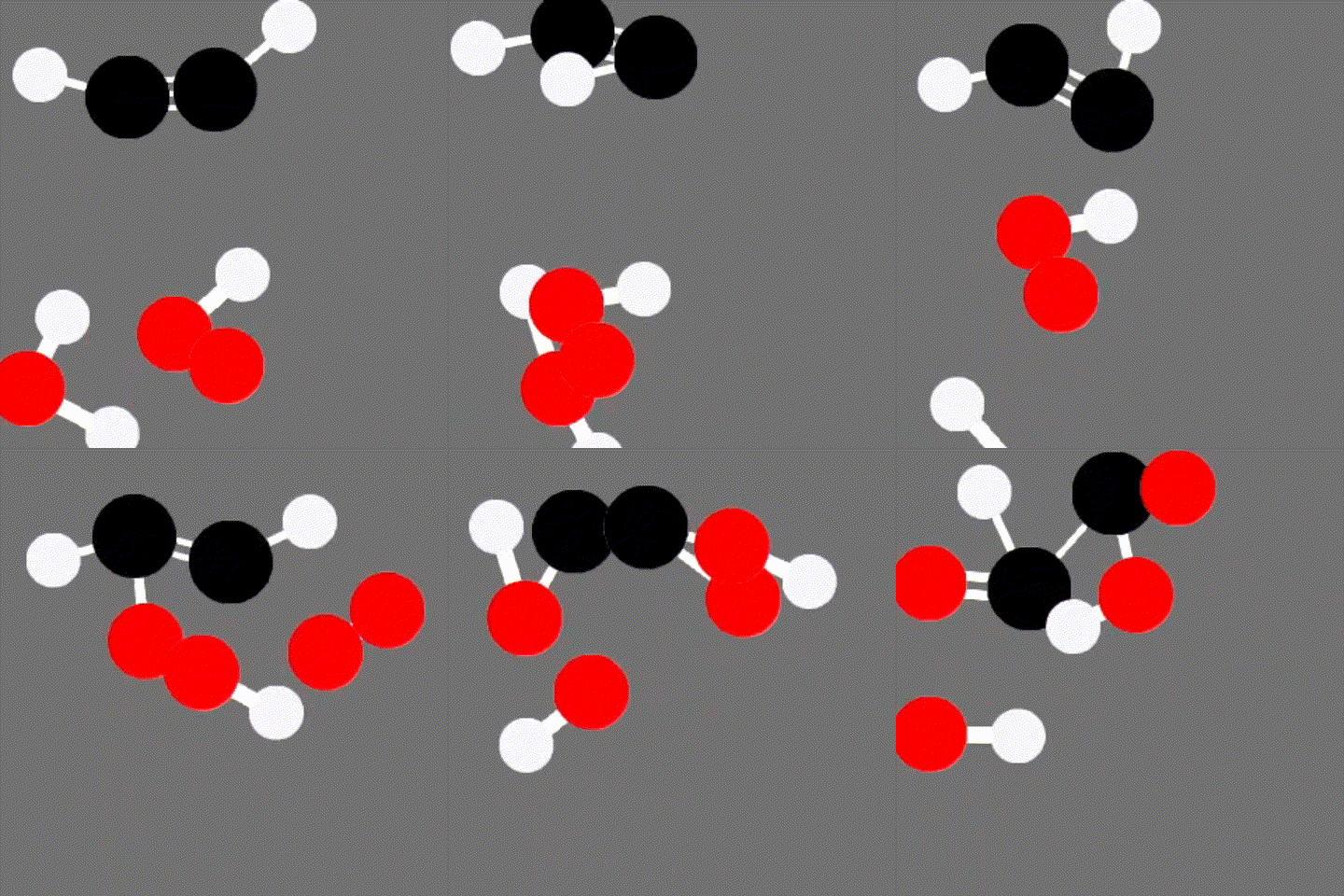
About Chemistry Sandbox
Chemistry Sandbox is AlienAuthor2054's in-development molecular simulation for experimenting with high-school chemistry concepts. The browser laboratory lets players introduce hydrogen, carbon, nitrogen, and oxygen atoms into a two-dimensional world, launch them with chosen velocities, and observe how the particles move and combine. Rather than presenting reactions only as equations, it makes atoms selectable objects whose bonds, motion, and arrangement can be inspected and manipulated directly.
A built-in tutorial supplies chemistry context as well as interface guidance and takes roughly ten minutes to complete. The sandbox includes pause control, camera pan and zoom, selection boxes, copy and paste, deletion, complete clearing, and temperature controls that speed or slow the atoms. These tools support both small constructed molecules and wider reaction experiments. The author notes that desktop is currently the intended platform: the page loads on mobile, but many functions depend on mouse and keyboard combinations and are not available there. The project remains under development, so its value is exploratory rather than a substitute for laboratory work or a complete course. Source code is available under GPL-3.0.
How to Play
Use the mouse wheel or number keys 1 through 4 to select hydrogen, carbon, nitrogen, or oxygen. Left-click the gray world to create an atom; drag before releasing to launch it with velocity. Shift-left-click an atom to remove it, or use Delete or X. Press Q to pause or resume the simulation while arranging a more controlled setup.
Right-click an atom to select it, or right-drag a box around several atoms. Hold Shift with those actions to remove objects from the selection. Copy and paste selected structures with Ctrl+C and Ctrl+V. Pan the camera by holding Ctrl while right-dragging, zoom with Ctrl plus the mouse wheel or the plus and minus keys, and reset the view with Ctrl+0. The bottom-right tools clear the entire world or raise and lower temperature. Begin with the in-game tutorial before attempting larger molecules or reaction experiments.
Key Features
- Interactive hydrogen, carbon, nitrogen, and oxygen atoms
- Launch, select, copy, paste, and remove molecular structures
- Pause, temperature, camera, and multi-selection tools
- Ten-minute guided tutorial with chemistry context
- Desktop-focused open-source experimental simulation
Source & Licence
- Author / Project
- AlienAuthor2054
- Licence
- GPL-3.0
- Released
- 2025-03-05
ArcadeBloom is a directory. We introduce games and link to their creators. All rights belong to its author. Visit the official site to play.
More Simulation Games
BrowserQuest
A multiplayer top-down RPG that proved WebSockets could power an MMO.
simulationA Dark Room
A minimalist text adventure that hides an entire incremental empire.
simulation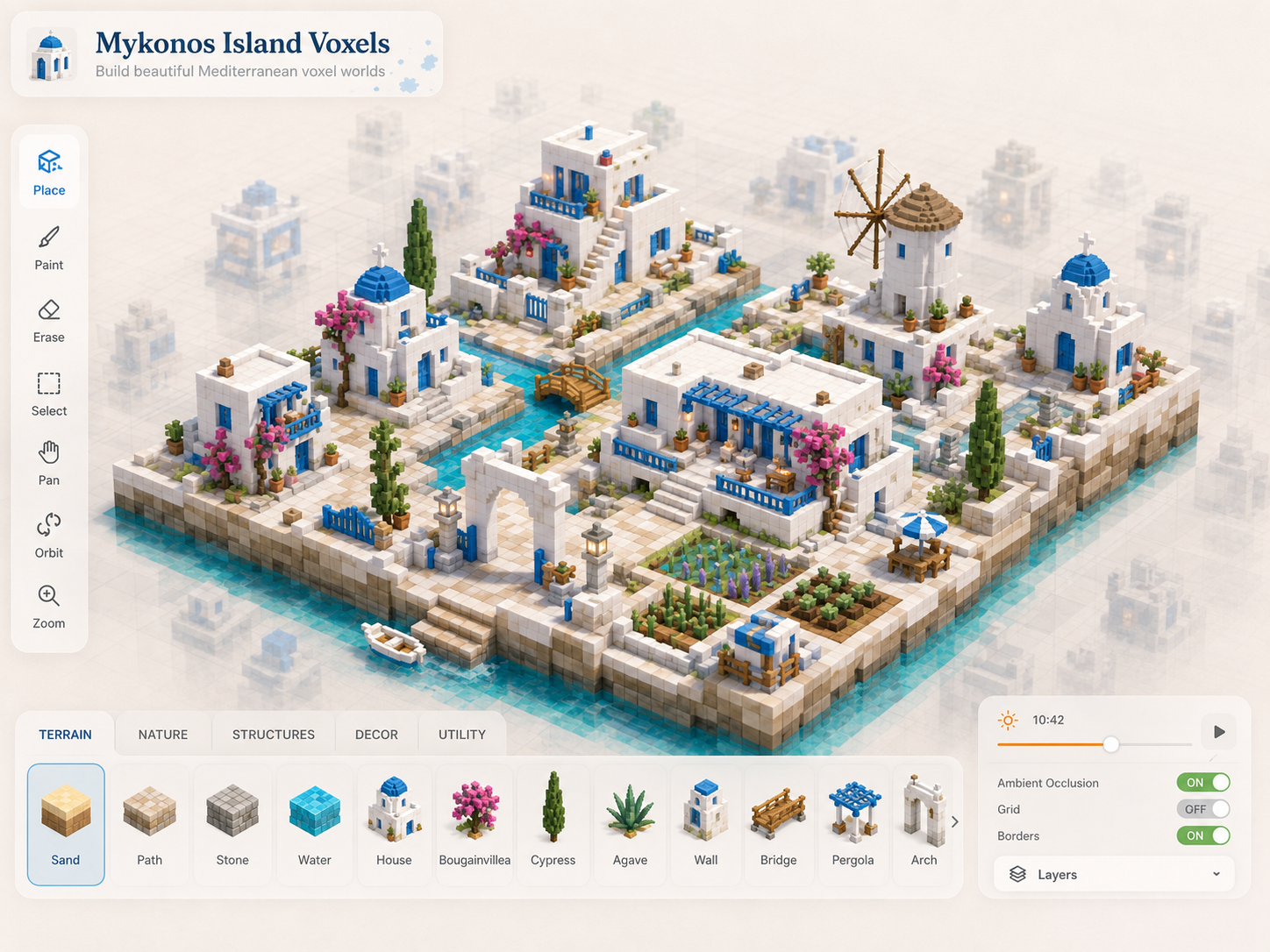
Mykonos Island Voxels
Arrange a sunlit Mediterranean village one isometric tile at a time.
simulation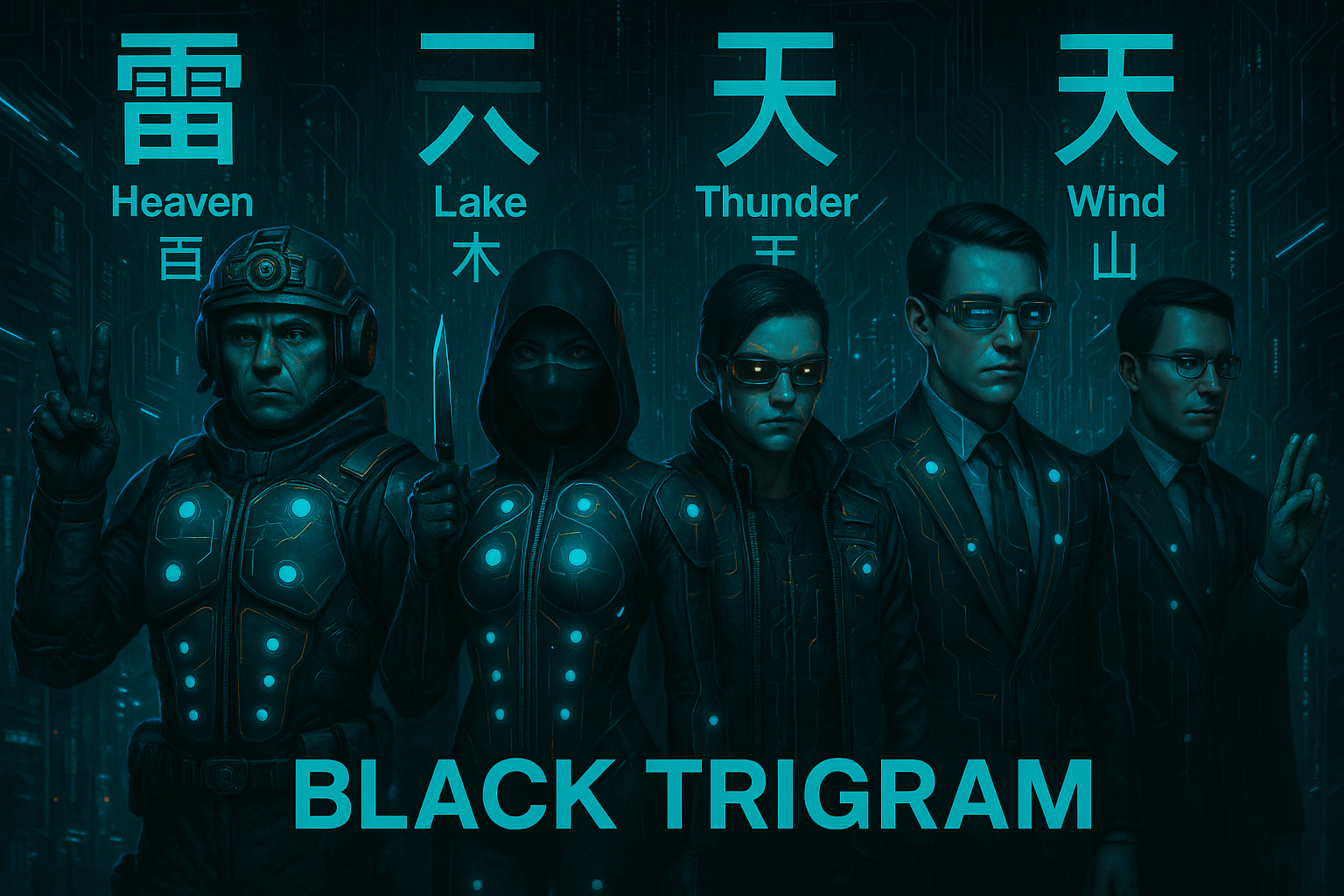
Black Trigram
Practice Korean martial arts through stances, anatomical targeting, and reactive combat.
simulationChemistry Sandbox
AlienAuthor2054